
Three-Line Prompt Brief
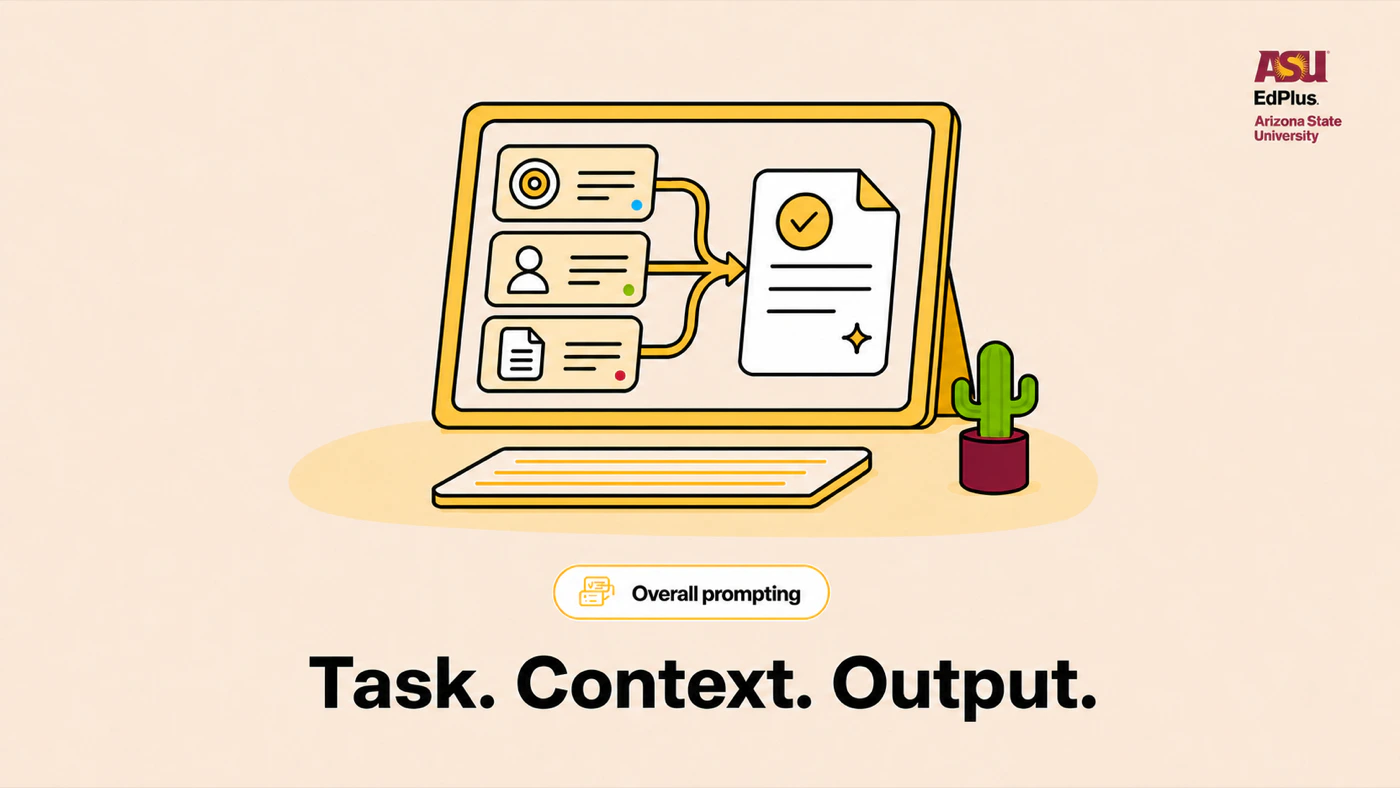
Clear, specific prompts reduce guesswork and make a useful first draft far more likely. Give the AI a three-line brief: the task, the context it needs, and the exact output you want back.
The prompt
The full text, ready to go. Everything in gold is yours to replace.
Task: [what you need]
Context: [what the AI should know]
Output: [format, length, and tone]
How to use it
Four steps, start to finish. Nothing to install.
- 1
Copy the prompt with the button on the panel.
- 2
Open a new chat in Claude on your ASU Enterprise account and paste it in.
- 3
Swap every highlighted placeholder for your own material before you send it.
- 4
Not quite right? Say what to change in plain language and ask for another pass. The prompt is a starting point, not a one-shot.
Prompts like this one
Same kind of work, different job.
Haiku handles quick work, Sonnet handles involved reasoning, and Opus handles your toughest analysis. Asking first gets you the right level of depth without overthinking a simple task.
OpenProjects keep related chats, reference files, and guidance together, so you can pick work back up without rebuilding context every time. Worth doing for anything you revisit weekly.
OpenQuickly catch up on Slack channels by generating concise summaries of conversations.
OpenTransform raw meeting notes into structured, actionable summaries with key decisions and next steps.
OpenShare the prompt that saved you an hour.
The library is built from what people at EdPlus actually use. Send yours over, or browse what everyone else is running.